Midjourney finally rolls out "inpainting" - customizing AI images after generation

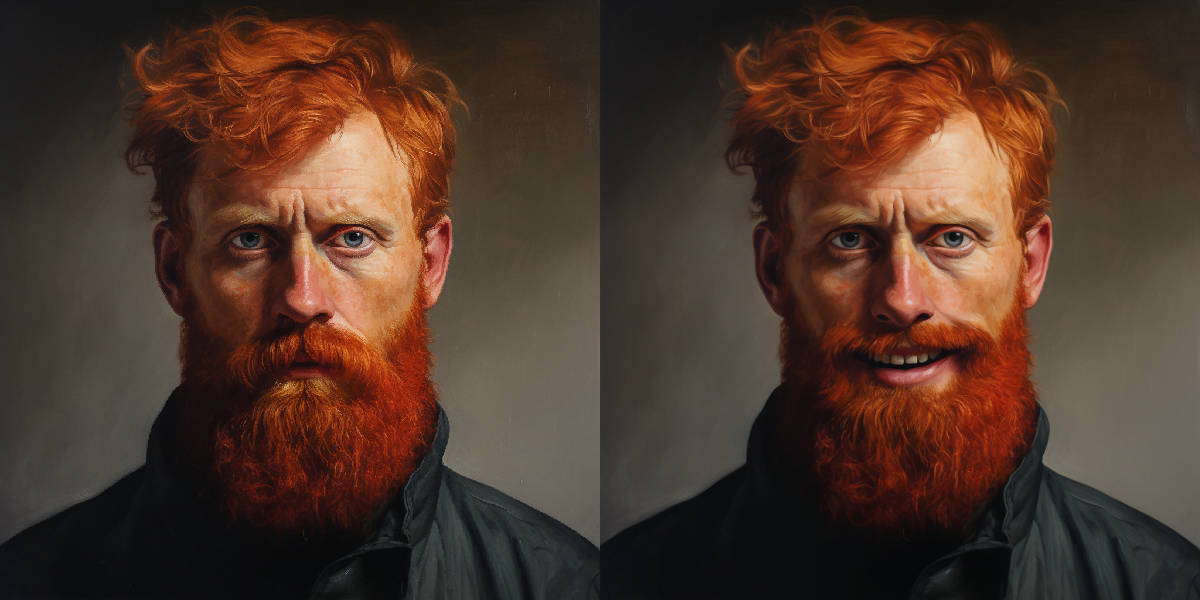
Midjourney is currently testing a long-awaited feature: You can now edit individual regions of an image via a prompt, a feature typically known as "inpainting".
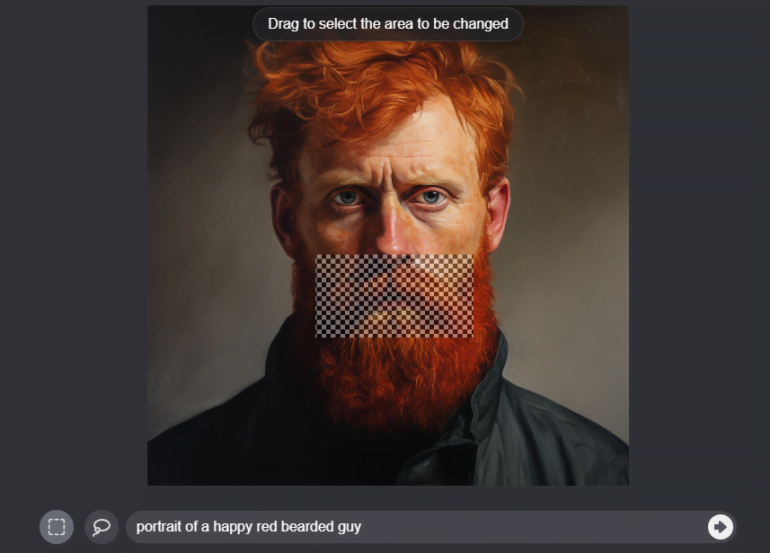
Midjourney calls its variant of "inpainting", i.e., painting over parts of an image, "Vary Region". This option appears on upscaled images and is next to the existing Remix functions "Vary Strong" and "Vary Subtle". You need to make sure that Remix Mode is enabled in the settings (prompt "/settings"). Otherwise, the button will not show up.
If you press "Vary Region", a new interface will appear. Here, you can select an area in the upscaled image and edit it with text prompts. For example, you could use a prompt to make a portrait photo with a sad expression smile.
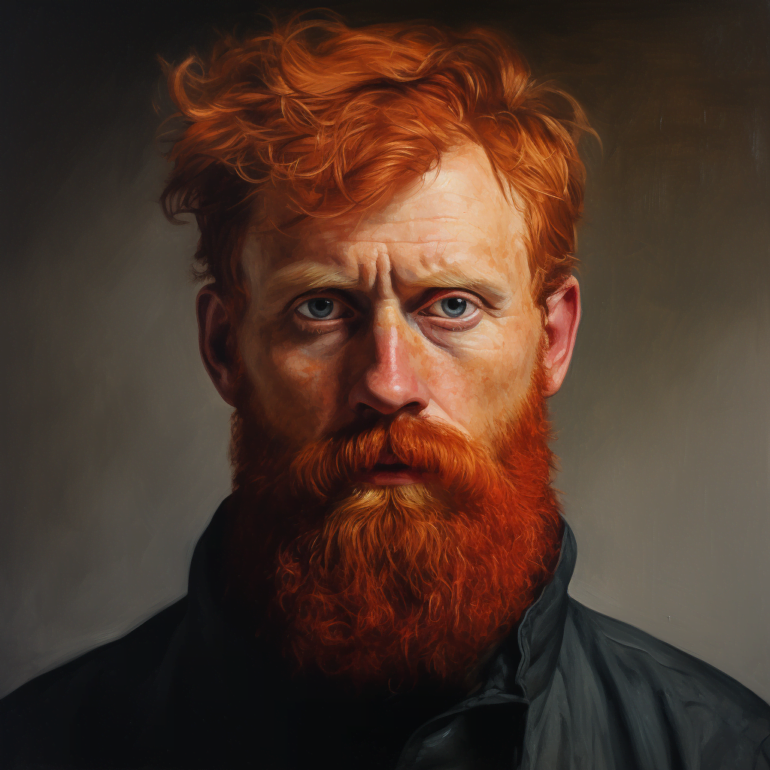
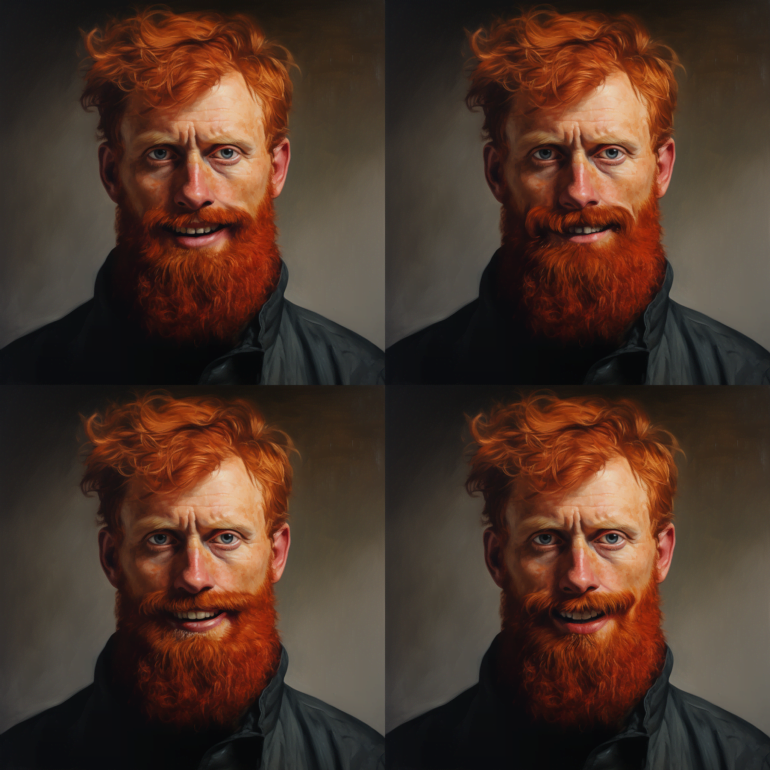
Of course, you can go on by upscaling the newly created image and further customizing the prompt. For example, you can add a hat to the portrait image.
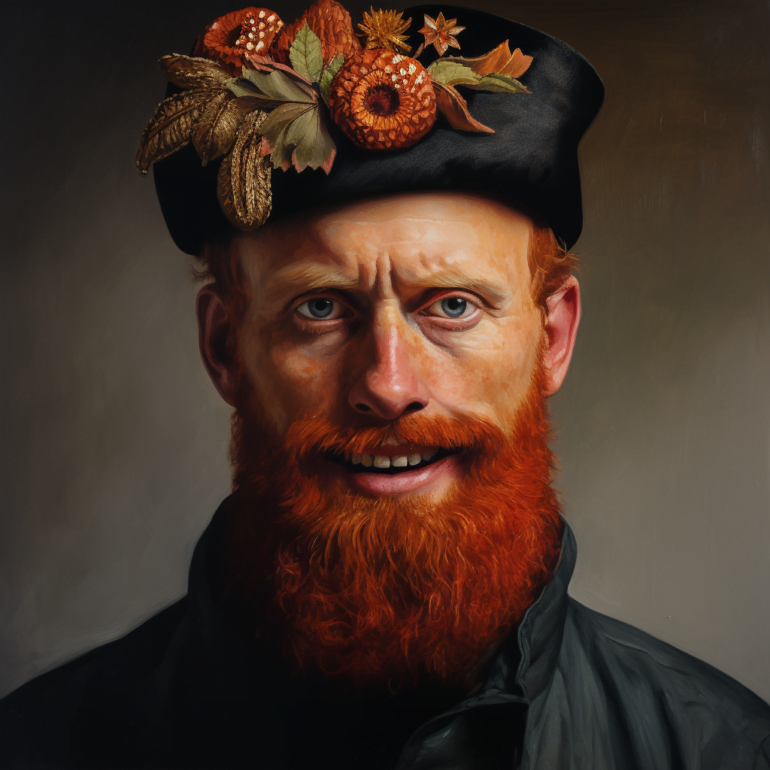
Inpainting isn't a silver bullet for image editing
According to Midjourney, inpainting works best with relatively large areas of the image, 20 to 50 percent of the image, and when the prompt is only slightly adjusted. Replacing a small detail in the background is likely to be more difficult.
Also, inpainting works more reliably when the prompt change blends well with and complements the original image, as in the example above. The more basic and outlandish the image change, the more difficult it is for the system to implement.
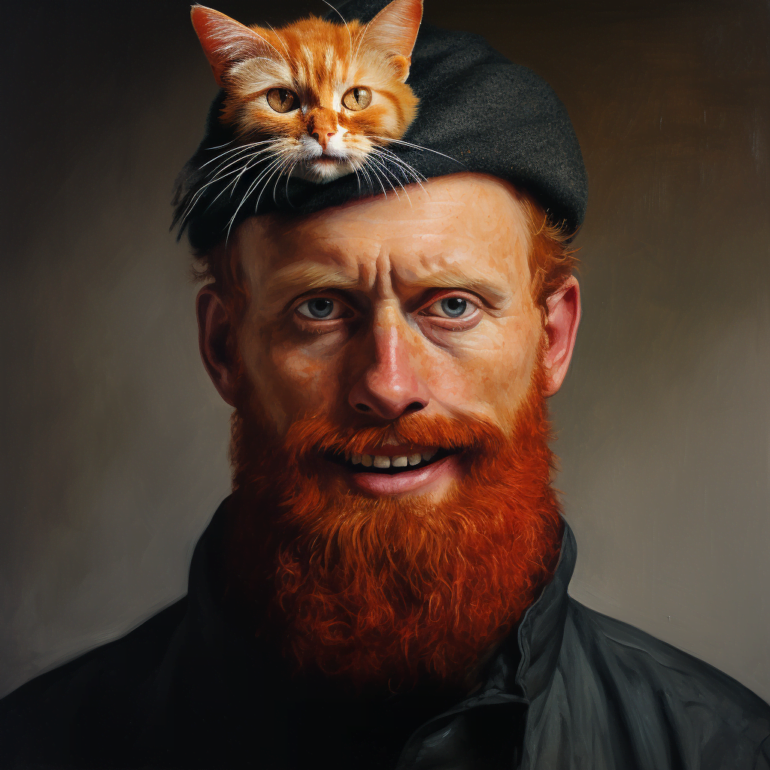
According to Midjourney, inpainting is not a "magic fix" and often the "vary subtle" feature would work better. This feature generates new images based on the original image and a customized prompt, rather than just changing an area. In the cat example, however, this didn't help.
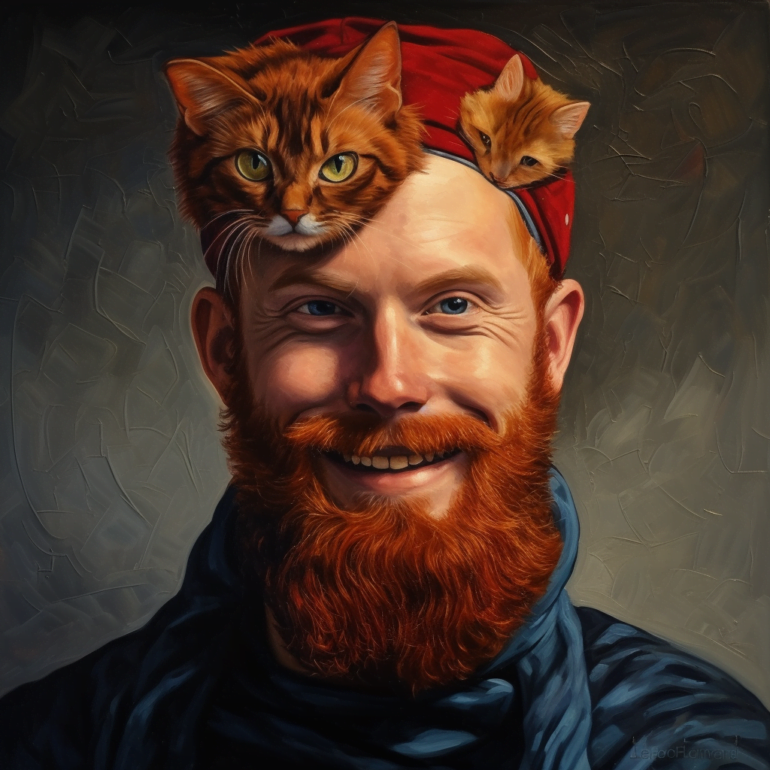
For major changes in the image, such as the cat on the red-bearded man's head, re-creation may be the way to go. In this case, Midjourney will create a new composition from scratch that better fits the prompt. Of course, you will lose the look of the original creation.
AI News Without the Hype – Curated by Humans
As a THE DECODER subscriber, you get ad-free reading, our weekly AI newsletter, the exclusive "AI Radar" Frontier Report 6× per year, access to comments, and our complete archive.
Subscribe nowAI news without the hype
Curated by humans.
- Over 20 percent launch discount.
- Read without distractions – no Google ads.
- Access to comments and community discussions.
- Weekly AI newsletter.
- 6 times a year: “AI Radar” – deep dives on key AI topics.
- Up to 25 % off on KI Pro online events.
- Access to our full ten-year archive.
- Get the latest AI news from The Decoder.